
DOWNLOAD
Crusade 0.0.7 beta
Released November 1, 2026. For Windows and Linux. Free to download and view; a license unlocks editing.
Released November 1, 2026. For Windows and Linux. Free to download and view; a license unlocks editing.
No credit card, no email, no account. Nothing to fill in, nothing to cancel.
An installer: run it and Crusade appears in the Start menu, with its files opening in it. Signed, and no administrator password needed.
Crusade-0.0.7-windows-x64-setup.exef91456a8329cfb71bedf2801773a47184545f9b3597bd9307d16842b6ebad315Unpack it and run install.sh: Crusade goes into your applications menu. uninstall.sh takes it out again. Step by step ↓
Crusade-0.0.7-linux-x86_64.tar.gz753f2a38f2a26c628c430eba020e54e382a56afea1bdf078f1323969528db5b3Crusade-0.0.7-windows-x64-setup.exe from your Downloads folder.Crusade-0.0.7-linux-x86_64.tar.gz and choose Extract Here. Or in a terminal:
cd ~/Downloads && tar xzf Crusade-0.0.7-linux-x86_64.tar.gzcd ~/Downloads/Crusade-0.0.7 && ./install.sh~/.local/opt/crusade/crusade. Then choose Start free trial (on the first screen, or under License) to try everything for 30 days, or enter your license key (License ▸ Enter License Key).~/.local/opt/crusade/uninstall.shsudo apt install libxcb-cursor0).Runs your or your team's vault on a NAS or server with Docker: it can keep the vault's files and records encrypted (recommended), makes its own backups, and can put one back. Most people don't need it: a vault can also be a shared folder (Home ▸ Vault… ▸ Create Vault…).
An Intel or AMD processor (x86-64): Synology, QNAP, UGREEN or any Linux server with Docker. ARM isn't supported yet. Load the image into the NAS's container app, then start it with the settings file.
crusade-vault-0.0.7-amd64.tar.gz56cb9197fa07eabc3ad6d1a25d78228886f7bb620b4bfc6f072a0c0fbcdb7887Source code for the image's open-source parts (Debian packages)
docker-compose.yml
Download the settings file
Every package in the image, with its version and license: crusade-vault-0.0.7-amd64-packages.txt.
Used under Crusade's License Agreement. The image contains encryption software; export rules apply (the License Agreement's Export section).
Step by step: the image, the three folders, the time zone, the first start, the master key, backups and copies away from the NAS, putting a backup back, and the network.
Read the guideEvery installer and the Vault service's image has a SHA-256 checksum, shown above. Compare it with the one your computer works out, in the folder you downloaded to. They must match exactly.
Get-FileHash .\Crusade-0.0.7-windows-x64-setup.exesha256sum -c Crusade-0.0.7-linux-x86_64.tar.gz.sha256sha256sum Crusade-0.0.7-linux-x86_64.tar.gz and compare.Without a license Crusade opens Crusade parts, assemblies and drawings (and STEP, IGES, STL, 3MF and DXF) to look at, measure, render, print and export, with no account. Enter a license key under License ▸ Enter License Key… and the same installation edits: nothing to download again.
See pricing →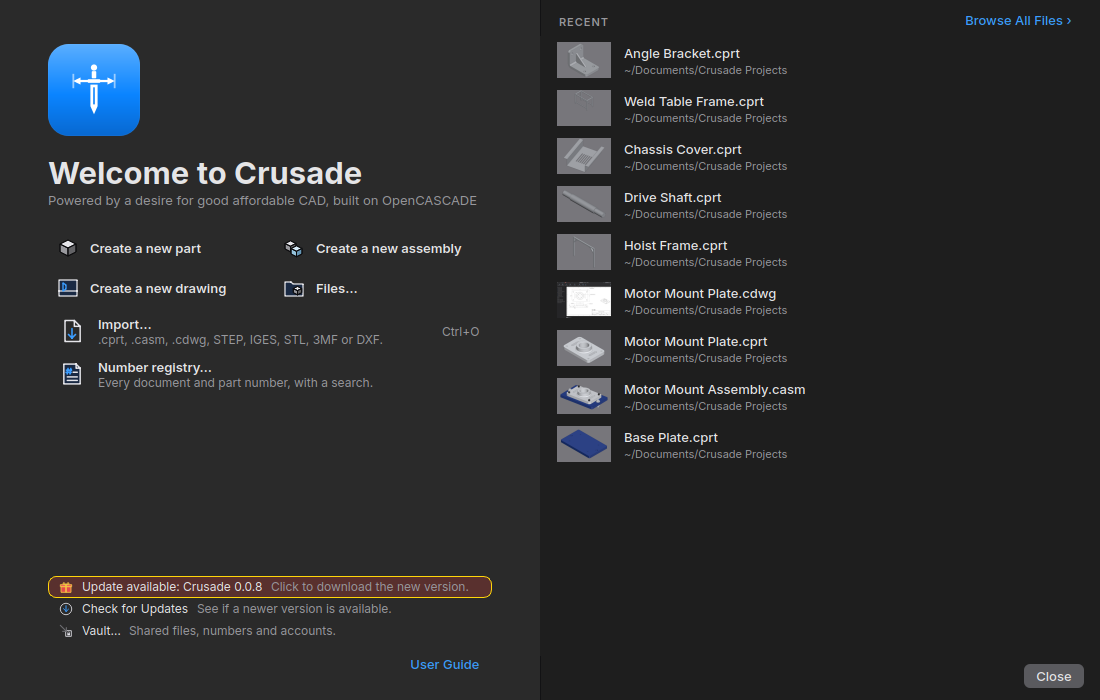
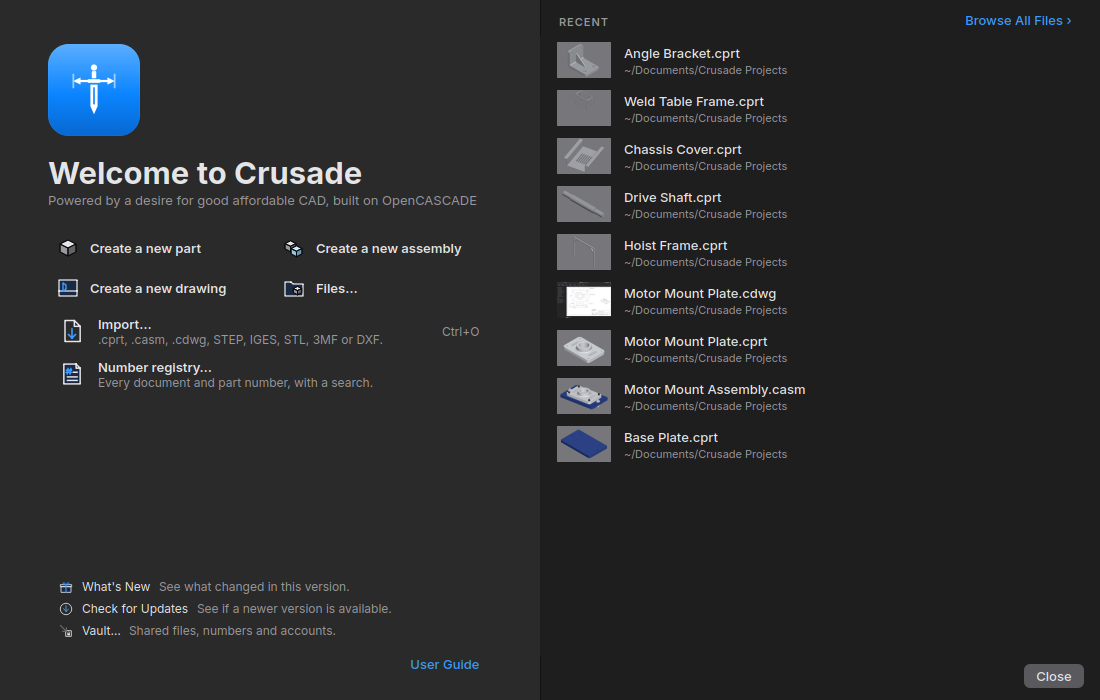
When a new version is out, the present on Crusade's Home turns into Update available. Clicking it brings you here.
Crusade can't be downloaded in or sent to Russia, Belarus, Cuba, Iran, North Korea or the occupied regions of Ukraine (US export law; see the License Agreement's Export section).
License checks. In Normal mode, Crusade now checks the license every 2 weeks and needs a successful check at least every 30 days (it was about once a month, with one needed every 6 months). Without internet it keeps working until then. A computer that's rarely online can use Offline only mode, which never checks.
A 30-day free trial. License ▸ Start Free Trial gives this computer the full Crusade for 30 days: no credit card, no email, no account. It goes online once and sends only a one-way code for this computer, so each computer gets one trial. License ▸ Free Trial Code… shows that code. The shared trial from earlier versions still ends November 10.
The Vault. Home ▸ Vault… keeps your or your team's files, every version and the part numbers in one place, with an account for each person. Check Out, Check In…, Release Revision with release requests (Approve, Send Back), and a log of who did what. A vault can be a folder on your own computer, on a NAS or on a Windows share. The log stays in the vault: nothing goes to crusadecad.com. Get Latest lists just the files with newer versions, and opening an assembly or drawing gets the parts it uses. A blue bar says when someone checks in a newer version. Clear Up Space… removes local copies the vault already holds.
The Vault service on a NAS. The vault can also run as a service in Docker on a NAS (Intel or AMD). It makes its own backups and can put one back. You choose when you create it whether its files and records are encrypted on the NAS (recommended; off unless you pick it). Keep a backup copy somewhere safe too, and, if it's encrypted, the master key. Join a vault by its code. Move Vault to a Service… moves a folder vault over. Anchor… keeps more copies of its backups on other computers (sealed if the vault is encrypted). The NAS guide covers Synology, QNAP and UGREEN.
The master key, said plainly. Every window that mentions it says the same thing: an encrypted vault's master key decrypts the vault and its backups, and a recovery code only resets a password.
Mouse gestures. Right-drag in the 3D view or on a drawing sheet: a ring of commands opens; drag toward one and let go to run it. A plain right click still opens the menu. Part, Assembly, Sketch and Drawing each have their own ring, set in Tools ▸ Options ▸ Mouse Gestures.
Mates. The Mate panel picks the type from what you click (two flat faces Coincident, round faces Concentric, round edges Fastened), or click a type to choose it; Apply adds it and starts the next. Lock is now Group. Hover a type for a line about it; slots still to pick are gray. The components list is in the panel, so a part's own planes, axes and origin can be mated, or the assembly's origin in the view. Mate to the lines and points of a layout sketch or a part's shown sketch too, and to planes made in the assembly. Width centers on one face or plane, or between two. Parts glide into place as a mate applies (not with Smooth animations off), and move as little as they can: when a sketch they're mated to changes, they slide instead of tipping over. A mate that only fits the other way around goes in that way; one that can't says which mates it conflicts with. Each mate in the list shows its type's icon, and (-) shows only on parts that can still move.
Assemblies. Insert Components opens Crusade's own window, narrow at the left so the 3D view stays in sight: the files open now first, then the vault and this computer, with pictures. Click one (Ctrl or Shift for several) and its see-through copy shows at once; set how many of each in the left panel, then click to put each down, turned with X, Y or Z first (the first part too). Crusade gets vault files that aren't on this computer first, with the files they use. Assembly ▸ Plane makes planes in the assembly, such as one half way between two faces of a part, and a layout sketch can go on one. Open a part in the list and click a sketch's eye to show it in the assembly. A click through a plane picks the part behind it; Shift+click picks the plane. Ctrl+C and Ctrl+V copy and paste components; Ctrl+drag a part's round edge for a copy, fastened where you drop it on another. Click a part and its mates are tinted; pick several mates with Ctrl or Shift, and a picked mate shows its faces. Right-click the fixed first part ▸ Move… to turn and place it.
Sketches and parts. T is the Tangent relation. Right-click a plane ▸ Sketch starts a sketch on it. Drag a point that's already there and it snaps like a new one. A shown sketch's lines and points can be clicked outside the sketch, so a plane can go along a sketch line or through a sketch point. Revolve: click the axis in the view, or choose the X, Y or Z axis, or click a straight edge of the part; the axis is marked in the view. Merge result is ticked on every new feature. In a feature's panel, Final is one switch: on, the finished part rebuilds after each change. The view turns about the point under the cursor. The Configurations button opens the Configuration Manager.
Part numbers at the first Save. With numbering set up, a new document asks for its number when you first save it: the next number, Reserved or No Number. Without it, nothing asks.
Drawings. Exploded views, Compare Revisions, inspection balloons with a table and report, bend and punch tables, revision clouds, a configuration table and more.
Pictures keep only their pixels. Pictures and title-block logos keep only their pixels once a file is saved: no hidden photo details like where it was taken. Older saved versions keep the original, so send files with Share or Pack and Go, whose copies always leave it out.
The free viewer shows only what it does. Without a license, the commands that need one are hidden instead of shown with a lock: the ribbon, menus and Home show only what the free viewer can do. Enter a license and everything appears at once.
Fixes. Files lists a folder's own folders; double-click one to open it. Components with a problem show in red in the list, and a mate with a problem goes in red too (OK never does nothing). OK stays gray until a feature has what it needs, and Enter presses OK in assembly panels. Renaming a file renames its components in the assemblies that use it. Switching units asks whether to keep the part's size, and keeps it with a feature's panel open too. Esc on an assembly's Mate, Move, Pattern or Mirror keeps a saved assembly saved. Revolve's second angle works from a variable in an inch part, and Up To Next cuts through a part with thin slivers. Model edges are drawn solid and smooth, and the icons are sharper. New drawing views of a part with a modeled thread are ready in seconds, not minutes, and a drawing saved while its views were still loading no longer shows every dimension as out of date.
Known on Windows: Keep Fewer Versions… in Options doesn't remove old versions yet, and the vault's Move Vault to a Service… can't finish for a folder vault made on Windows. Each says so, and your files stay as they were.
Every version's changes → See everything it does →